
Let’s be honest. Nothing is more annoying than great Wi-Fi in the living room… and absolutely nothing in the bedroom. You walk three steps, boom, loading circle. Same box, same house, totally different experience. Sound familiar ? Good news : in most homes, you can seriously improve Wi-Fi room by room without touching your internet box. No upgrade, no call to your ISP, no headache.
And yeah, I’ve seen this a lot. Old apartments with thick walls, new houses with weird layouts, homes where Wi-Fi dies the second you close the kitchen door. It’s a bit like real estate diagnostics actually – small details matter. Funny enough, I had that thought while browsing [https://expertise-diagnostic-immobilier.fr](https://expertise-diagnostic-immobilier.fr), because structure, materials, and layout change everything. Same logic with Wi-Fi, honestly.
First thing first : where is your router, really ?
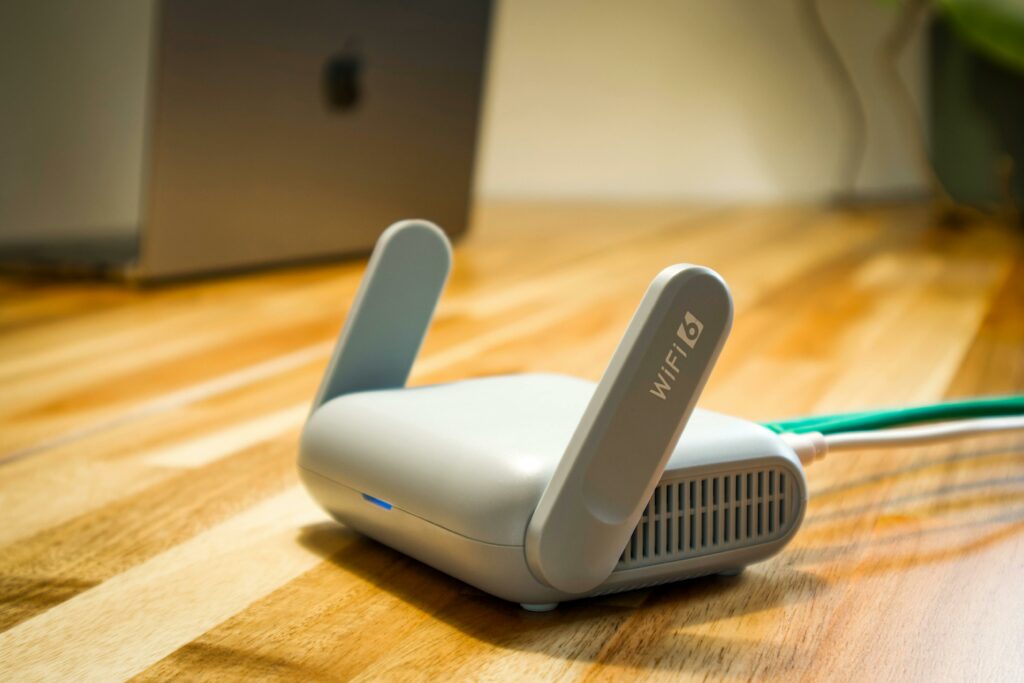 This one hurts sometimes. Routers love hiding spots. A cupboard. Behind the TV. Next to the microwave (don’t do that). But Wi-Fi waves hate obstacles. Thick walls, metal shelves, mirrors… they kill signal silently.
If your box is on the floor, in a corner, behind furniture, you’re already losing. Raise it. Eye level is good. Central position is even better. I know, sometimes it’s ugly. But performance-wise ? Night and day.
Quick question : is your router closer to the entrance than to your bedroom ? That alone explains a lot.
The living room : strong signal doesn’t mean perfect signal
Living rooms usually feel “fine”. Netflix loads, YouTube works, so we don’t question it. But look closer. Smart TV, console, phone, laptop, maybe a sound system. All fighting for bandwidth.
Two simple tweaks here :
Use Ethernet when you can. TV or console plugged in frees Wi-Fi for everything else.
Check interference. Big TV screens, Bluetooth speakers, even some lamps can mess with signal. I’ve moved a router 50 cm to the side once. It felt stupid. It worked.
Sometimes optimization is boring like that. Small moves, big results.
The bedroom : the Wi-Fi graveyard
Ah yes. Bedroom Wi-Fi. Always the weakest. Walls, distance, maybe a bathroom in between (tiles are brutal for signal).
Here’s what actually helps :
Change the Wi-Fi channel. Neighbors’ networks overlap more than you think. Especially in apartments. Use a Wi-Fi analyzer app, it takes two minutes.
Switch frequency wisely. 5 GHz is fast but fragile. 2.4 GHz is slower but goes through walls better. In bedrooms, 2.4 GHz often wins.
I resisted this for years because “faster is better”. Nope. Stable is better.
Home office or desk corner : stability over speed
 If you work from home, random drops are worse than slow speed. Calls cutting out, files failing to sync… you feel it in your nerves.
My honest advice ?
Prioritize the device. Many routers let you set device priority. Use it.
Avoid USB Wi-Fi dongles. Built-in adapters are usually better. Cheap dongles overheat. I’ve touched one after a long Zoom call – almost burned my fingers.
If your desk is far from the router, even a simple powerline adapter can change your life. Not glamorous, but effective.
Kitchen and bathroom : accept the limits
I’ll be blunt : kitchens and bathrooms are Wi-Fi nightmares. Water, tiles, appliances… it’s hostile territory.
Instead of fighting physics :
Lower expectations. Browsing ? Fine. 4K streaming ? Maybe not.
Keep doors open. Sounds silly, works surprisingly well.
Don’t blame your ISP. This one isn’t their fault.
Sometimes knowing why it’s bad makes it less frustrating.
Small house, big house : same rules, different scale
In small apartments, placement and channel selection solve 80% of problems.
In houses with floors ? Vertical distance is the enemy. Wi-Fi hates going up or down.
Put the router halfway between floors if possible. Or at least not in the basement. I’ve seen routers next to boilers. That’s… ambitious.
Final thought : test, move, repeat
Wi-Fi optimization isn’t magic. It’s trial and error. Move the router. Test. Change a setting. Test again. It’s annoying, yeah. But when the bedroom finally loads instantly ? Pure satisfaction.
And honestly, once you get it right, you forget about Wi-Fi completely. Which is kind of the ultimate goal, right ?